About GRAPHING CASIO FX 9860GIII
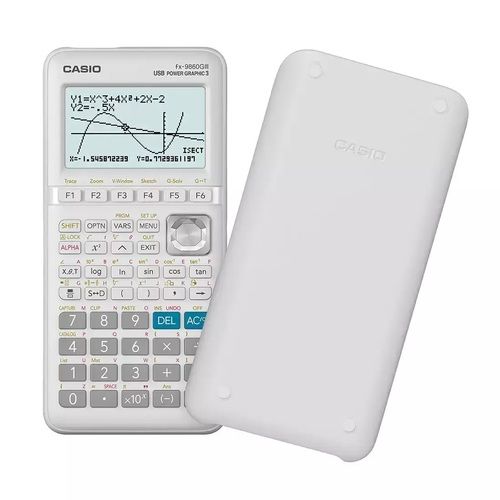
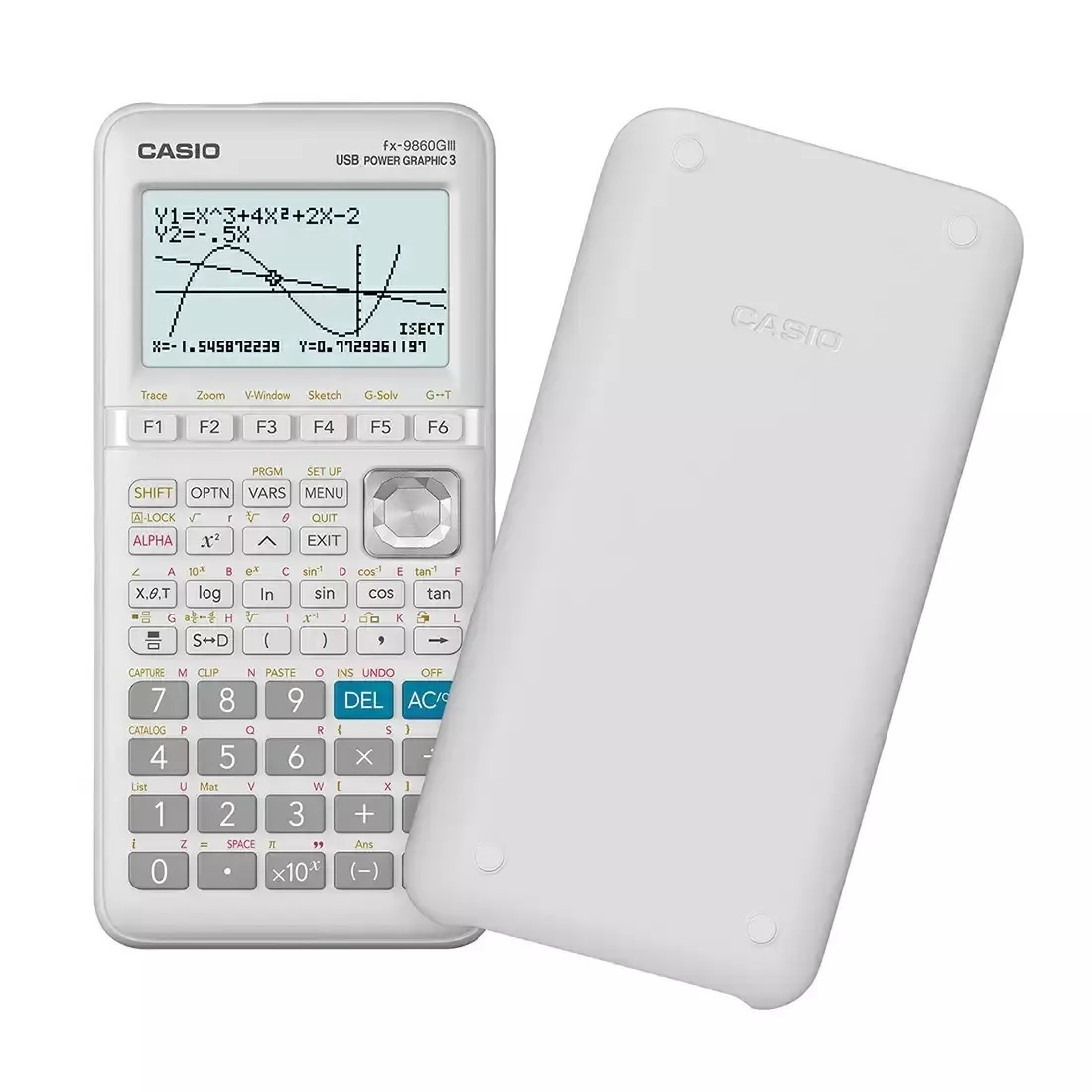
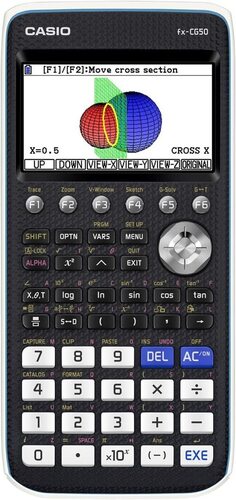
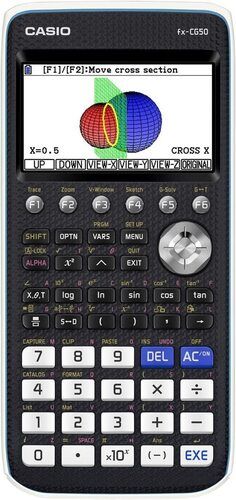
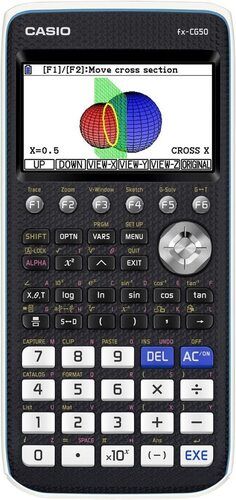
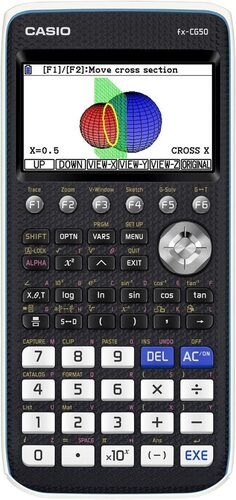
Casio Graphic Calculator FX 9860 G III
We are National Channel Partner for CASIO INDIA,Exclusively for the Graphic as well as Scientific Calculators and InstitutionalSales.
About the Casio Graphic Calculator FX 9860G III:
10 + 2 digits, Graphic Calculator with 2900functions. Suitable for AP, SAT, SAT Subject, PSAT, NMSQT, ACT & IBexaminations.
It comes built-in with Python, aprogramming language used in the development of Internet search engines, socialmedia sites, robots, etc
Data-logger can be used with graphingcalculators and is effective for both mathematics education and science andtechnology education.
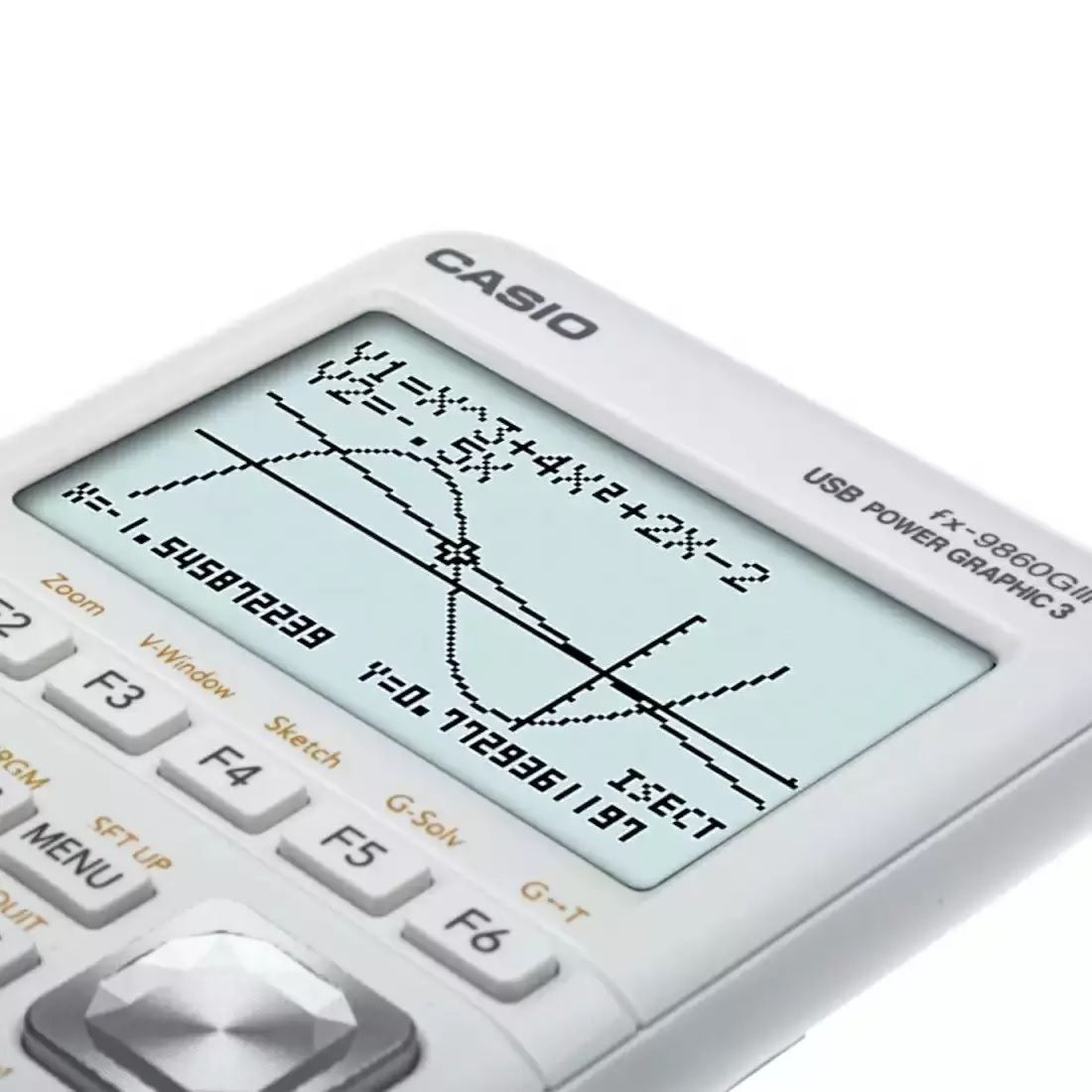
Multiple types of Graphic feature:Rectangular and Polar coordinate graphing, Parametric, Inequality, Dual graph(table and graph, graph and graph), Dynamic graph, Conic section graph,Recursion graph.
Communicate with PC (via USB cable) easilywithout software. It is convenient because data such as programs and memory canbe easily moved between fx-9860GIII and PC.
Visitour website: www.ezbuy.co.in
Ouremail id: see.distributors@gmail.com
Kindly Feel Free to speak to me for any clarifications on mymobile 98673 61590.
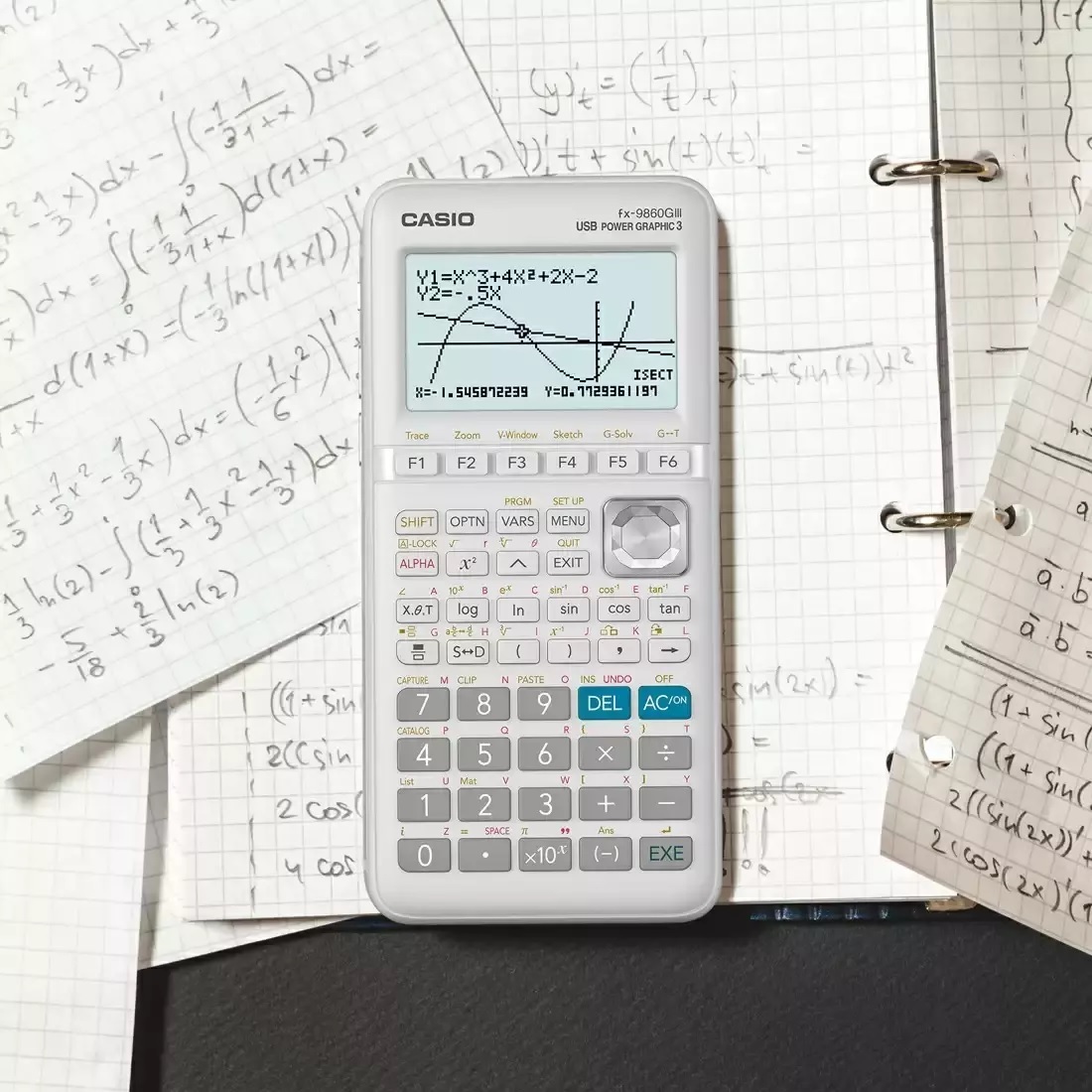
High-Resolution Display for Clear VisualizationThe Casio FX 9860GIII boasts a monochrome LCD with high-resolution, ensuring graphs and calculations are easy to read and interpret. The Natural Textbook Display presents mathematical expressions as they appear in textbooks, enhancing learning and comprehension for students and professionals alike.
Comprehensive Functionality for Advanced CalculationsWith more than 2900 built-in functions, this graphing calculator covers a vast range of topics including calculus, statistics, matrices, geometry, and programming. It is suitable for exam preparation, scientific research, and classroom teaching, making it a valuable asset for any learner or professional.
Robust Connectivity and App SupportThe FX 9860GIII features a USB port and 3-pin serial port for efficient data transfer, compatible with PC. It also supports add-in applications, expanding its functionality based on user needs. Exam Mode is available to comply with institutional regulations, and the device accommodates multiple languages.
FAQ's of GRAPHING CASIO FX 9860GIII:
Q: How do I transfer data from the Casio FX 9860GIII to a computer?
A: You can transfer data to a PC using the included USB port. Connect the calculator to your computer with a USB cable, and use Casio's software to manage files, update applications, and back up data efficiently.
Q: What types of graphs can I plot with the FX 9860GIII?
A: This calculator supports various graph types, including function, parametric, polar, inequality, and sequence graphs. These options enable comprehensive mathematical visualization suitable for academic and engineering needs.
Q: When should I use Exam Mode on the calculator?
A: Exam Mode is designed for use during assessments and standardized tests where restrictions on calculator functionality are required. Activating Exam Mode limits certain features according to exam guidelines, helping maintain compliance.
Q: Where can I purchase the Casio FX 9860GIII in India?
A: The Casio FX 9860GIII is available through authorized distributors, suppliers, and traders across India. You can find it at major electronics retailers and educational supply stores or via online marketplaces.
Q: What benefit does the Natural Textbook Display provide?
A: Natural Textbook Display allows mathematical expressions and formulas to appear on the screen exactly as they do in textbooks. This improves clarity, reduces errors, and makes it easier for users to verify calculations.
Q: How do I install add-in applications on the FX 9860GIII?
A: Install add-in applications by connecting the calculator to your computer via USB, downloading compatible software from Casio's website, and following the provided installation instructions for enhanced features.




 Send Inquiry


 Send Inquiry