About Casio Calculator FX CG 50
Weare National Channel Partner for CASIO INDIA,Exclusively for the Graphic as well as Scientific Calculators and InstitutionalSales.
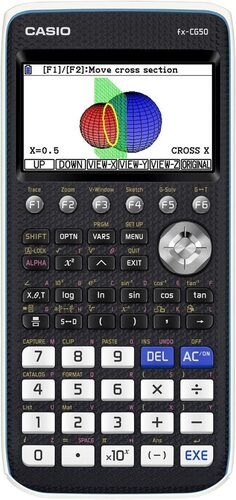
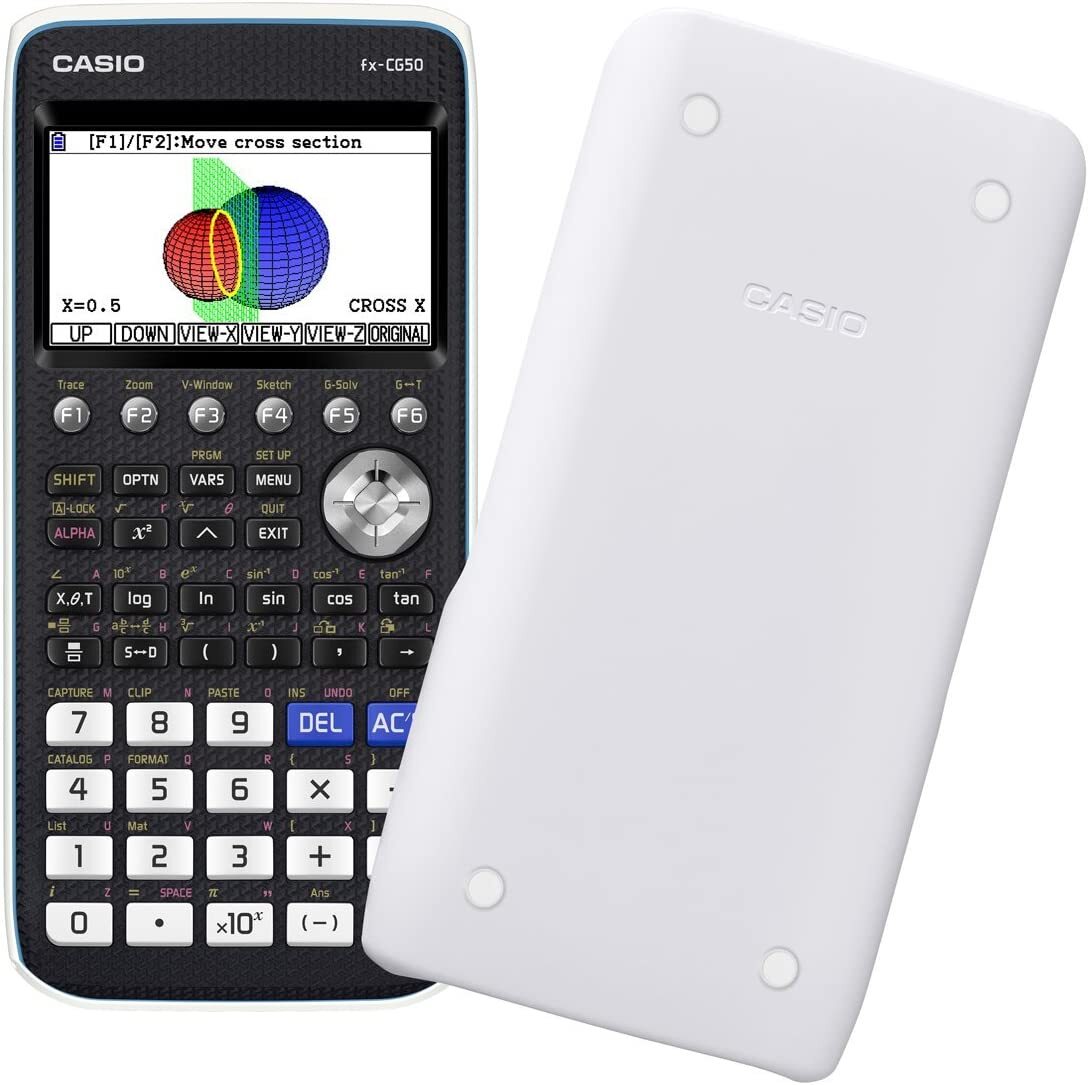
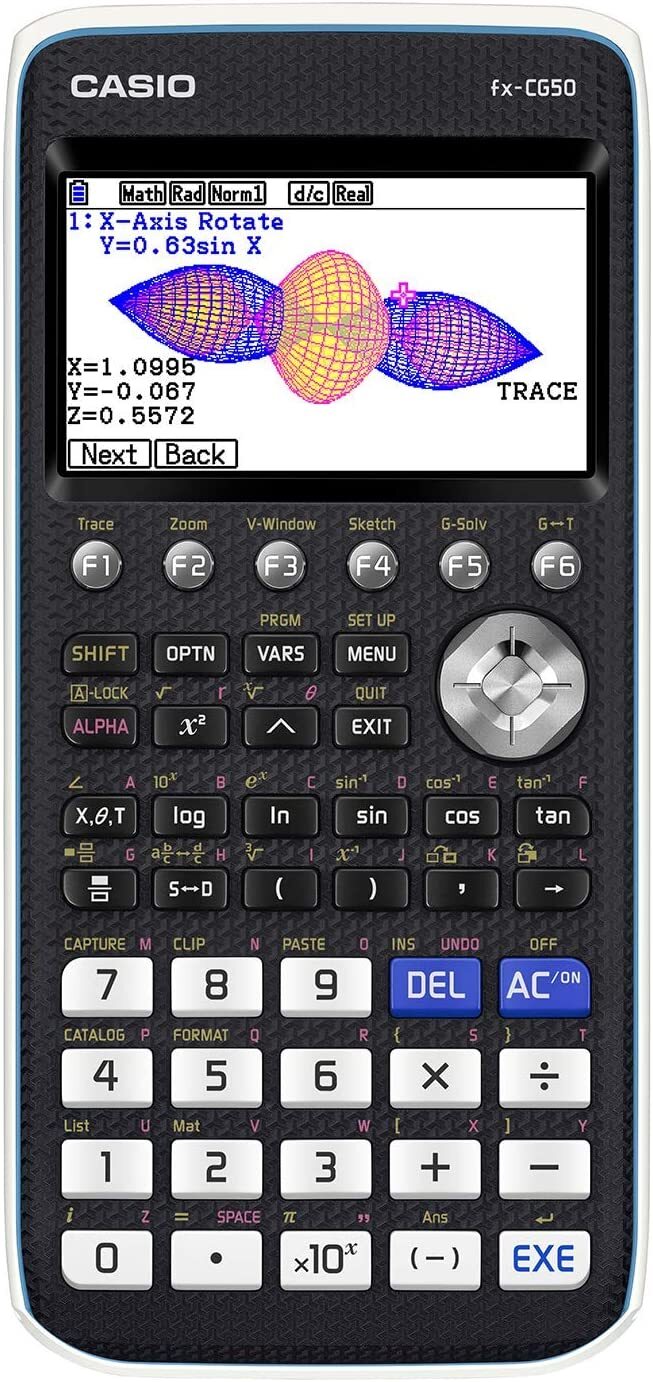
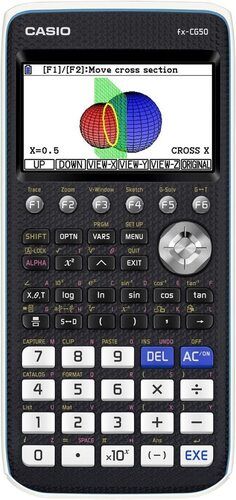
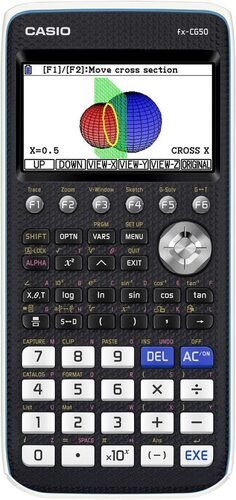
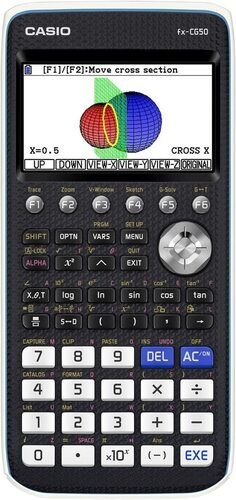
About the Casio Graphic Calculator FX CG 50:
Graphic Calculator with 2900+ functions.
All advanced Algebraic, Trigonometrical, Calculus, Statistics functionsAdvanced 3D Graphing
Multiple types of Graphic features
List based Statistics, Regression and Graph plot
Built in apps for research and modeling
App can be transferred to calculator through supplied USB cable.
Comes with slide-on hard case
Recommended for IB, SAT, ACT, PSAT Students.
3 Years All India Manufacturer Warranty
Visit our website: www.ezbuy.co.in
Our email id:see.distributors@gmail.com
Kindly Feel Free to speak to me for any clarifications on my mobile 9867361590.
Advanced Graphing and AnalysisEquipped with 3D, conic, parametric, and inequality graphing, the FX CG 50 lets users visualize complex mathematical concepts easily. It supports spreadsheet functions and advanced statistics, allowing for powerful data analysis and interpretation essential for academic and engineering applications.
Natural Textbook Display for LearningThe calculator's Natural Textbook Display replicates the format found in textbooks, helping students understand and input mathematical expressions accurately. This feature improves learning efficiency and reduces errors in calculations, enhancing educational outcomes.
Versatile Connectivity and FunctionalityFeaturing a micro USB port, the FX CG 50 enables seamless data transfer and connection with PCs. Multiple language options and Python/Casio-BASIC programming capability empower users to customize and extend its applications, making it suitable for diverse disciplines and multilingual environments.
FAQ's of Casio Calculator FX CG 50:
Q: How can I create and analyze 3D graphs on the Casio FX CG 50?
A: To generate 3D graphs, select the 'Graph' function and choose the 3D graphing mode. Input your mathematical equations, and the calculator will render real-time, interactive visuals, allowing users to manipulate and analyze graphs effectively.
Q: What is the benefit of the Natural Textbook Display feature?
A: The Natural Textbook Display lets users input and view mathematical expressions exactly as they appear in textbooks, improving clarity and reducing input errors. This fosters deeper understanding for students and professionals working through complex equations.
Q: When should I use Exam Mode on the FX CG 50?
A: Activate Exam Mode before formal assessments to comply with testing regulations. This mode restricts specific functions while retaining essential features, ensuring fair examination conditions and adherence to exam policies.
Q: Where can I use the Casio FX CG 50 in India?
A: The FX CG 50 is suitable for use in schools, colleges, universities, and professional environments across India. It is distributed through authorized dealers, suppliers, and traders nationwide for convenient accessibility.
Q: What process is involved in transferring data between the calculator and a computer?
A: Connect the FX CG 50 to a PC using the micro USB port. Use the provided data transfer software to export graphs, spreadsheets, and statistical data. This enables easy sharing and archiving of work for academic and professional purposes.
Q: How can the Picture Plot function enhance learning?
A: The Picture Plot feature allows students to overlay points on real-world images, facilitating hands-on analysis. This visual and practical approach strengthens comprehension of mathematical concepts and their applications beyond textbooks.
Q: What are the advantages of programming with Python and Casio-BASIC on the FX CG 50?
A: Programming in Python and Casio-BASIC enables users to automate calculations, customize functions, and solve complex problems efficiently. These capabilities expand the calculator's utility for advanced engineering, data analysis, and educational projects.




 Send Inquiry


 Send Inquiry