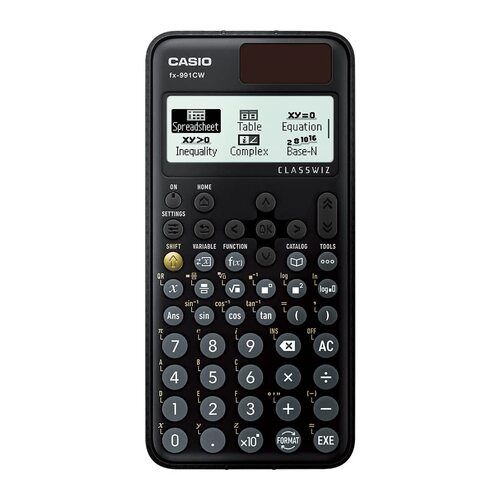
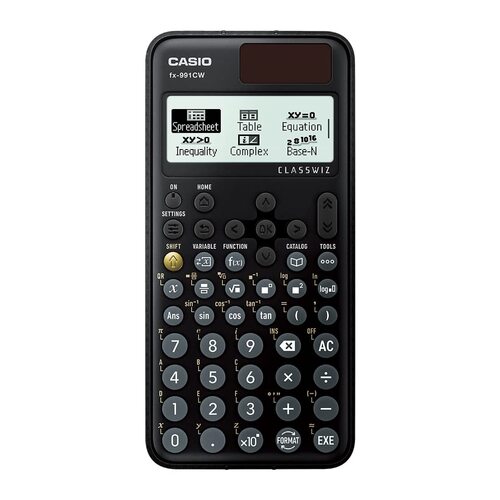
About calculator casio fx 991 cw
Casio Graphic Calculator FX 9860 G III
We are National Channel Partner for CASIO INDIA, Exclusively for the Graphic as well as Scientific Calculators and Institutional Sales.
About the Casio Graphic Calculator FX 9860 G III:
10 + 2 digits, Graphic Calculator with 2900 functions. Suitable for AP, SAT, SAT Subject, PSAT, NMSQT, ACT & IB examinations.
It comes built-in with Python, a programming language used in the development of Internet search engines, social media sites, robots, etc
Data-logger can be used with graphing calculators and is effective for both mathematics education and science and technology education.
Multiple types of Graphic feature: Rectangular and Polar coordinate graphing, Parametric, Inequality, Dual graph (table and graph, graph and graph), Dynamic graph, Conic section graph, Recursion graph.
Communicate with PC (via USB cable) easily without software. It is convenient because data such as programs and memory can be easily moved between fx-9860GIII and PC.
Visit our website: www.ezbuy.co.in
Our email id: see.distributors@gmail.com
Kindly Feel Free to speak to me for any clarifications on my mobile 98673 61590.
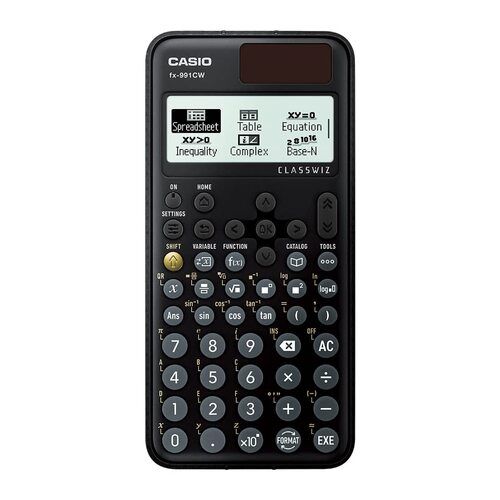
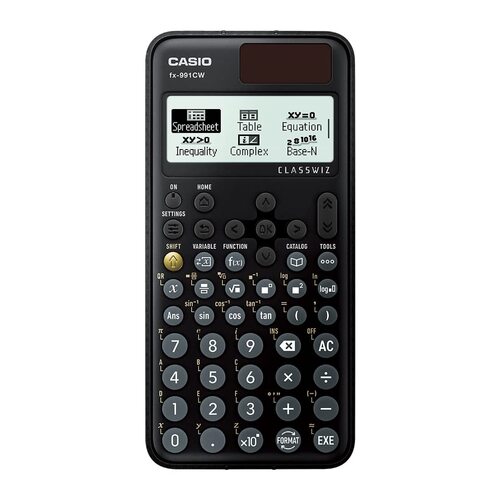
Advanced Calculation CapabilitiesThe Casio fx-991CW offers 552 scientific functions, covering topics ranging from basic math to advanced statistics, calculus, matrices, vectors, and equation solving. Its Natural Textbook Display helps users visualize calculations as they would appear in textbooks, making it easier to understand and verify results. This feature greatly aids students and professionals tackling complex scientific computations.
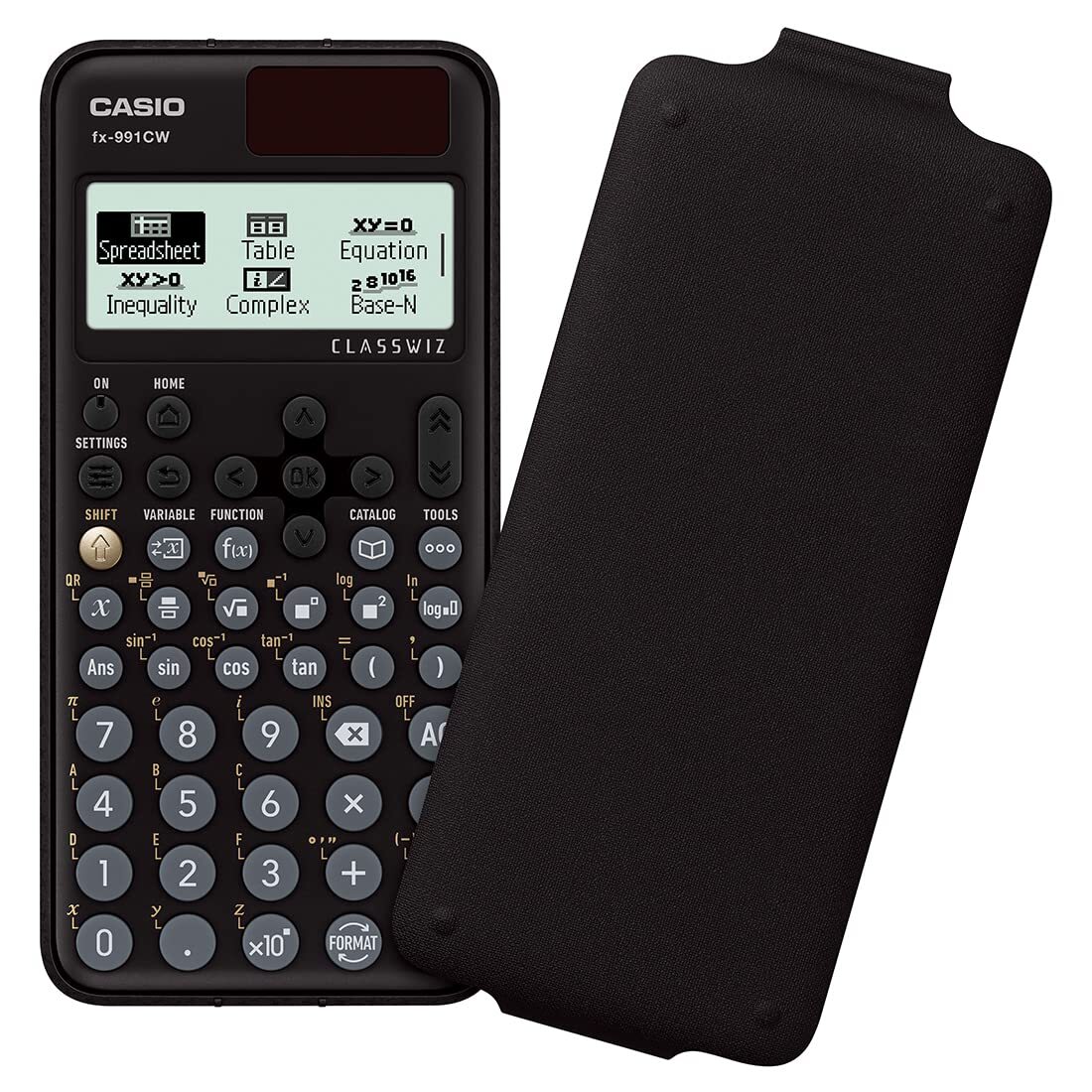
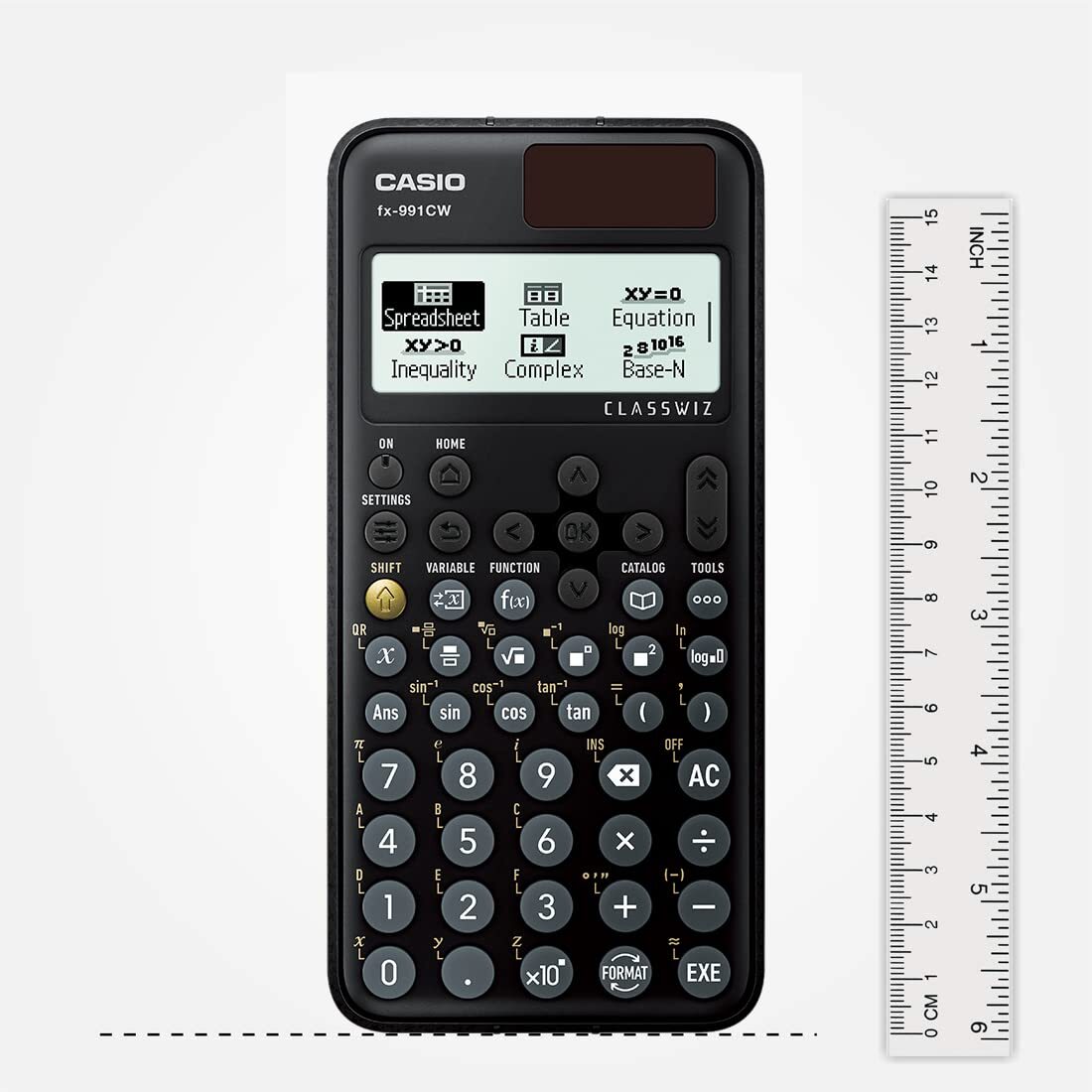
User-Friendly Interface and DesignDesigned with a compact and sleek profile, the calculator includes plastic keys with an alpha-numeric keypad and dedicated multi-replay, shift, alpha, and navigation keys. The multi-language menu, including English, ensures accessibility for a wider user base in India. Its durable plastic body, hard protective slide cover, and lightweight build make it convenient to carry and use anywhere.
Reliable Dual Power SupplyThe Casio fx-991CW operates via a dual power source-an LR44 battery (included) and a solar cell for energy-efficient usage. This system ensures the calculator remains powered during long study or work sessions. The auto power-off feature conserves battery life, making it ideal for on-the-go students and professionals.
FAQ's of calculator casio fx 991 cw:
Q: How do I switch between angle units (degree, radian, grad) on the Casio fx-991CW?
A: To change the angle unit, press the 'Mode' key, select the appropriate option for your calculation, and choose between degree, radian, or grad. This ensures accuracy for trigonometric and engineering applications.
Q: What processes can I perform with the Casio fx-991CW's 552 functions?
A: You can conduct a wide range of calculations such as statistics, complex numbers, base-n arithmetic, matrix operations, vectors, equation and inequality solving, table generation, and calculus. The calculator is suitable for scientific, engineering, and educational tasks.
Q: When should I use the dual power feature of the calculator?
A: The dual power feature (solar cell and LR44 battery) is automatically managed by the device. Use this calculator in well-lit environments to maximize solar power efficiency, and rely on battery backup during low-light conditions for uninterrupted performance.
Q: Where can I purchase the Casio fx-991CW in India?
A: The Casio fx-991CW is available through authorized distributors, suppliers, and traders across India. You can find it in local electronic stores or through reliable online marketplaces.
Q: What benefits does the Natural Textbook Display (Natural-V.P.A.M.) offer?
A: Natural Textbook Display shows mathematical expressions just as they appear in textbooks, making it easier to input and verify equations, fractions, and other calculations. This reduces errors and improves understanding, especially for students.
Q: How do I utilize the multi-replay and navigation keys effectively?
A: The multi-replay and navigation keys allow you to review, edit, or repeat previous calculations without re-entering the data. This saves time and ensures greater flexibility when solving multi-step problems.
Q: Is there a specific process to protect the calculator when not in use?
A: Yes, simply slide the hard protective cover onto the calculator to shield it from dust and accidental damage, ensuring its longevity during transport or storage.




 Send Inquiry


 Send Inquiry